
Help
How to read a record
Records in the Directory follow a standard structure and contain content according to their record type. To get the most value out of them, casual and professional readers alike can benefit from knowing about the structures and content they will find. This is particulary important before conducting advanced searches, which demand familiarity with the database.
The primary content of the Directory is official designation records. For help with understanding designations, go back to the Directory homepage.
The Directory also contains commemorative plaque records and supporting records. These provide context and help to gather information about designations.
This Help text focuses on describing designation records. Take a moment to identify what type of record you’ve landed on, and keep in mind that records of the same type share the same basic structure of headings and sub-headings.
Look for the record type in the first line the page, just below the yellow line of the page header. For example, for Signal Hill National Historic Site, the record type is National Historic Site of Canada.
The Directory holds records for six (6) types of designation:
- National Historic Event
- National Historic Person
- National Historic Site of Canada
- Federal Heritage Building
- Heritage Lighthouse
- Heritage Railway Station
Note that types 3, 4, 5, and 6 collectively are referred to as historic place records and look similar.
The Directory holds information about plaques produced in commemoration of National Historic Sites of Canada, National Historic Events, and National Historic Persons. Plaque records read Commemorative plaque in the first line of the page.
Additionally, the Directory holds information about various texts produced in the process of designation, which are referred to as Reference records.
You will also find very basic records of Locations, Persons, and Organizations that provide context for and help to aggregate information about designations.
Look for the record title in the second line below the page header. For example, for Signal Hill National Historic Site, you can see the title is simply Signal Hill. Note the title if you wish to find it again. The title at the top of a record is the one that will turn up in search results. Signal Hill National Historic Site
Designated historic place records feature a map immediately below the title block. The map features both a pin and a polygon. The pin describes the historic place as a point location, often a visitor access point. The polygon describes the boundaries of the designation, primarily for the purpose of historical illustration. It is not a legal boundary. Please read our Disclaimer on geographical data for more information.
Commemorative plaque records also feature a map below the title block. The map features a pin only, to aid finding the plaque in real life.
Wherever a map is present, you may use the map tools to better understand the location and discover related information.
With your cursor (hand tool), you can drag the map in any direction.
Other map tools allow you to change the map scale, zoom in or out, change basemaps, turn information layers on and off, and consult a legend.
Select Basemap to access toggling between street view and satellite view.
Overlays are complete sets of geographic data organized by category. Select Overlays to access toggling on/off of overlays.
For example, toggling on the National Historic Sites layer will display pin locations and site boundaries (polygons) for all National Historic Sites, overlaid upon any search results currently pinned on the map.
Toggling on multiple overlays can help to discover designations and plaques that are close to or overlapping one another.
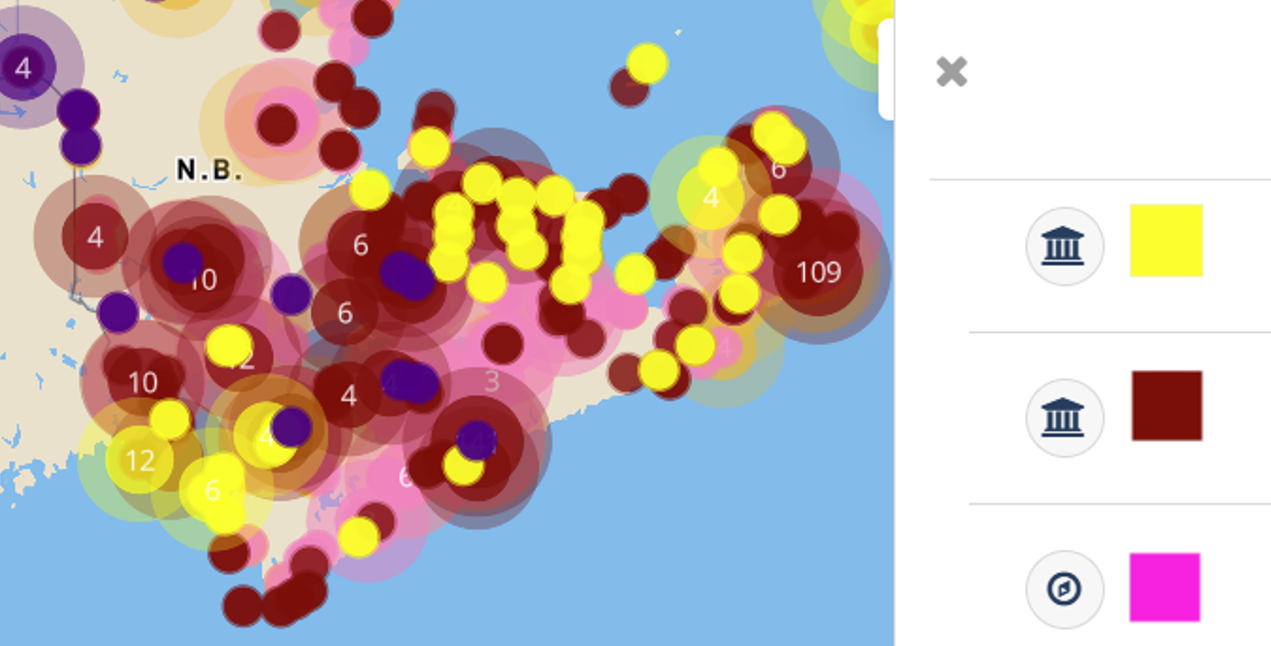
Select Legend to access a guide to the coloured symbols on the map.
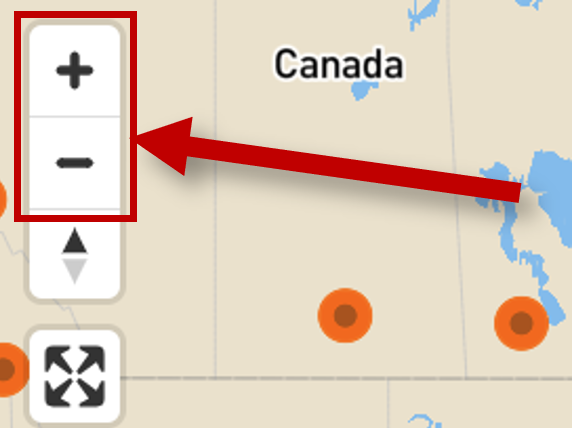
Zoom in or out using the plus and minus icons in the upper left corner of the map, or by using your mouse scroll.
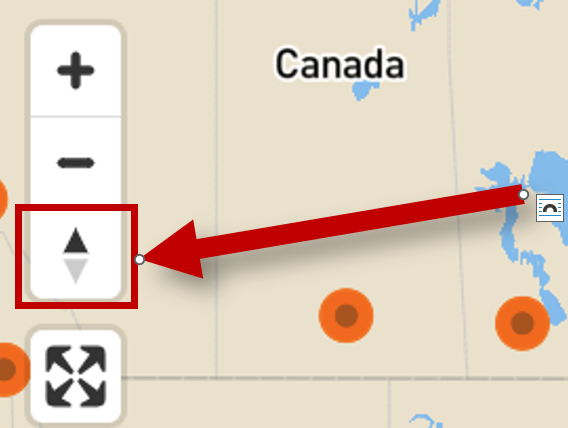
Adjust the map orientation by placing the cursor over the compass icon, then clicking and dragging. Click the icon again to return to the default display.
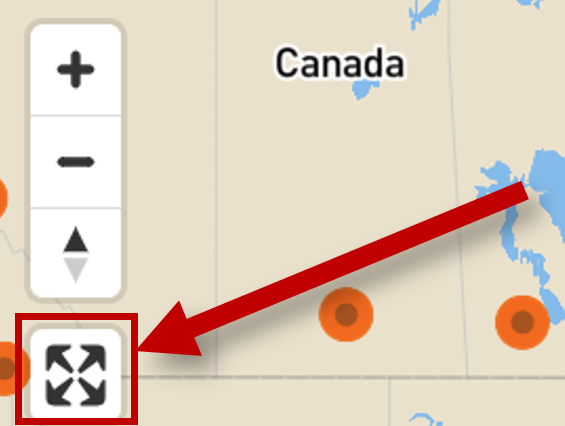
Select the expand icon to get a full-screen view of the map.
Below the title and map/image blocks, you will find the main body of the record, with major categories of information organized into headings with optional nested sub-headings.
Bold-face applied to ordinary words indicates that the word is a “type.” In most cases, these “type” words describe the words/dates immediately below them, as in this example:
Designated
1951-05-30
Here, the word “Designated” describes the date 1951-05-30. This is the designation date.
Designation type: Find out the type of recognition accorded to the historic subject.
Designation history: Find out the date on which the historic subject was designated.
Name: Find out the name of the historic subject as it was ministerially recognized (i.e. designation name), and other names if applicable.
Heritage descriptions: Learn what makes the historic place nationally significant. For National Historic Sites and Heritage Lighthouses, the key statement is called the Statement of Significance. For Federal Heritage Buildings, it’s called the Heritage Value Statement. For Heritage Railway Stations, it’s called the Heritage Character Statement.
Overlapping designations: Designations that are located on the same site, or overlap with the primary search site.
Official address: The primary address of the historic place.
Heritage descriptions: Learn what makes the historic subject nationally significant. For National Historic Persons and National Historic Events, the key statement is called the Commemorative Intent. Note, however, that Commemorative Intent statements have only been consistently written since the late 1990s. Earlier designations often do not have a statement of Commemorative Intent. Consult the commemorative plaque text instead.
Identifiers: Look here for the FHRO Number, commonly used in communication with the Federal Heritage Review Office. Some historic place records will also have a CIHB Geographic Code for those who want a cross-reference with the Canadian Inventory of Heritage Buildings.
Heritage descriptions: Look here for key value statements and for the Recognition Boundary.
Map details: If you need geodata for use in GIS applications, you can copy the point and polygon data for historic places by clicking Copy coordinates to clipboard.
A good way to approach a record for the first time is to scan it from top to bottom. Examine the data holistically. Records are structured to give you the big picture first, followed by details that will be of most interest if you have specialized research needs.
Once you have completed your initial scan, here are some strategies that experienced researchers use to develop a nuanced understanding of the historical record and its relevance to heritage preservation and interpretation.
To start, read the Highlight, which is meant to help you grasp the designation’s focus in a few words.
Next, check out the Designation history and Designation type. When was the designation officialized and what is the nature of that recognition? You may want to read about the designation programs if you are not already familiar with them.
Drill down into the Heritage descriptions to learn the key reasons for designation.
Explore the Map and/or Images. Maps, photos, artwork, and other visual images can provide context and details that may not have been adequately communicated in text.
Finally, peruse the Related resources. These may help you to place the designation among broader historical narratives.
Landscapes are part of history, which is why historic places are illustrated with maps. Take a closer look at the available satellite and street views. What can you infer about the significance of the landscape? If there is a building or structure, why was it positioned where it is? Use the map tools to change the scale, zoom in or out, or introduce additional layers of information. These capabilities give additional meaning to the designation.
At the bottom of each record, the Related Resources section lists links to other designations and/or contextual information database that will broaden your understanding of the original data record. These may help you consider how the designation connects to broader historical narratives or influential figures.
It’s important to recognize that the Directory is a database with its primary purpose being to record authoritative information about federally recognized heritage designations. Accordingly, the Directory presents rigorously researched reasons for designation prepared by experts in service of designation programs. It is not encyclopedic, nor do the tools of the database function like an Internet-wide search engine.
Also keep in mind that some designations were made as early as the 1920s. Documentation standards have evolved since that time. Work continues to fill gaps in documentation where possible and appropriate.